Benefits of Amazon Connect
Understand customer experience gains, self-service AI, multi-channel support, surveys, sentiment analysis, and hard and soft cost reduction.
Packt Publishing
Improve customer experience by building logical, cost-effective Amazon Connect solutions for critical contact center systems.
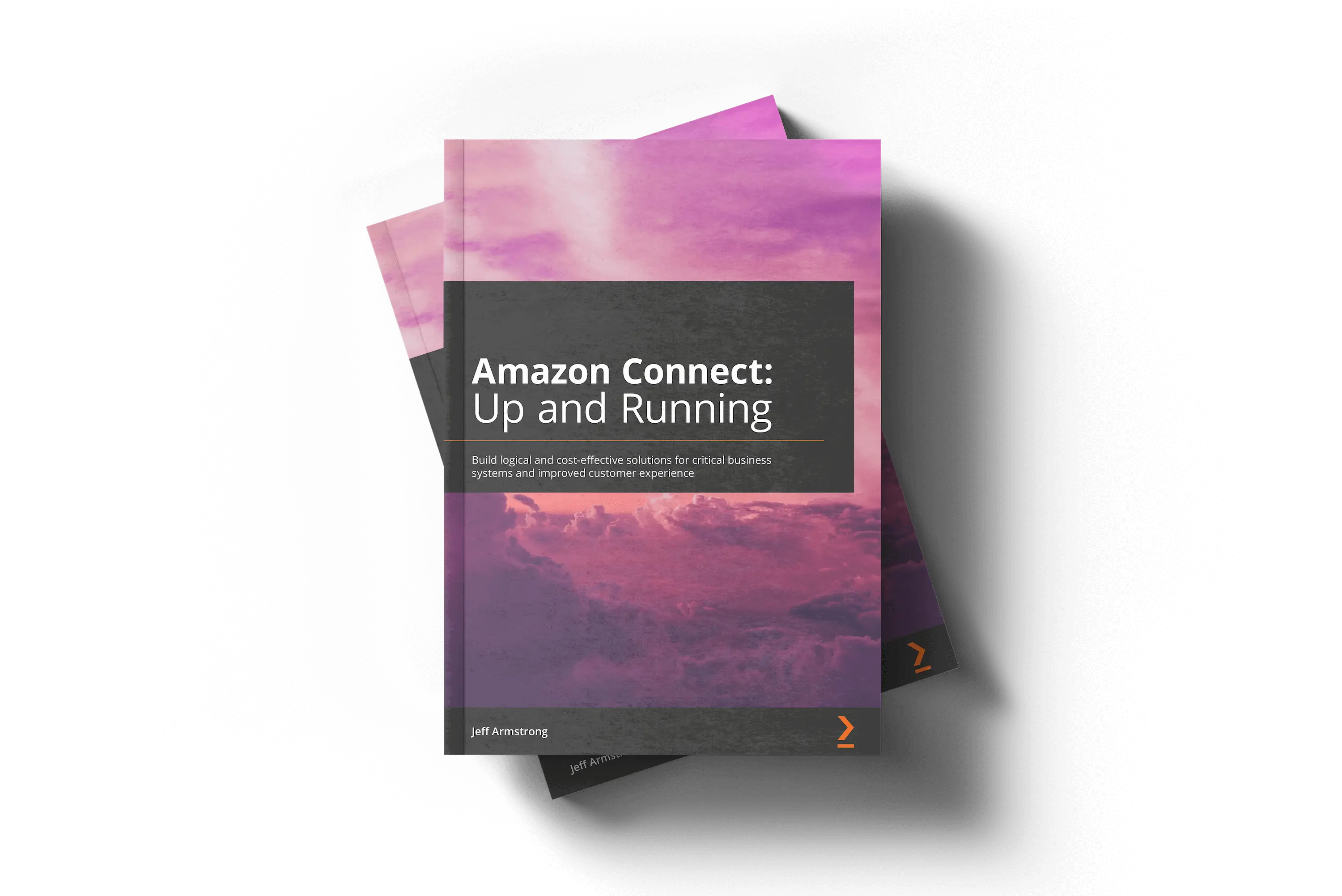
The Book
Amazon Connect: Up and Running develops a foundational understanding of Amazon Connect capabilities and helps teams estimate the cost, risk, and operational impact of contact center migration.
The book combines hands-on tutorials, costing profiles, and real-world use cases for improving business operations, reducing overhead, and improving customer experience.
Readers move from planning and stakeholder objectives through implementation, contact flows, AI bots, enterprise integrations, callbacks, voicemail, analytics, Contact Lens, and chat.
What It Covers
Book Chapters
Understand customer experience gains, self-service AI, multi-channel support, surveys, sentiment analysis, and hard and soft cost reduction.
Extract business hours, queues, callbacks, voicemail, integrations, management needs, and deployment influencers before implementation begins.
Map inbound flows, queue flows, hold flows, whisper flows, transfer flows, flow components, interactions, settings, and branching logic.
Estimate base Connect charges, communication cost, Lambda invocations, Lex bot cost, Contact Lens, analytics, Firehose, Glue, Athena, and QuickSight.
Prepare AWS prerequisites, deploy Connect, configure logging, phone numbers, hours of operation, queues, security profiles, and users.
Create, edit, copy, export, import, and assemble contact flows that support real customer-facing workflows.
Use Amazon Lex capabilities, create a first bot, connect it to Amazon Connect, and modify the bridging contact flow.
Connect enterprise APIs with Lambda, CloudFormation, contact flows, required data capture, and end-to-end solution testing.
Design callback workflows, capture caller numbers, validate phone numbers, and implement callback contact flows.
Launch and configure voicemail solutions, import voicemail contact flows, complete settings, test the solution, and integrate extensions.
Understand the data flow, configure templates, deploy analytics infrastructure, establish analysis, and build dashboards in QuickSight.
Enable Contact Lens, assign permissions, understand its capabilities, and create rules for customer interaction intelligence.
Define chat requirements, deploy supporting contact flows, gather required information, deploy the solution, and test the customer chat experience.

About the Author
Dr. Jeff Armstrong is a technology executive, cloud strategist, author, and CISSP with more than 25 years of information technology experience across financial services, enterprise technology, startups, and Fortune 100 environments.
He holds a Doctor of Business Administration in Strategy and Innovation, a master's degree in cybersecurity, and executive certificates from MIT Sloan and Cornell. He has led cloud and contact center work, including major Amazon Connect deployments.
Connect with Dr. Armstrong on LinkedIn for questions about Amazon Connect, contact center modernization, cloud customer experience, and board-level technology oversight.
Connect on LinkedIn